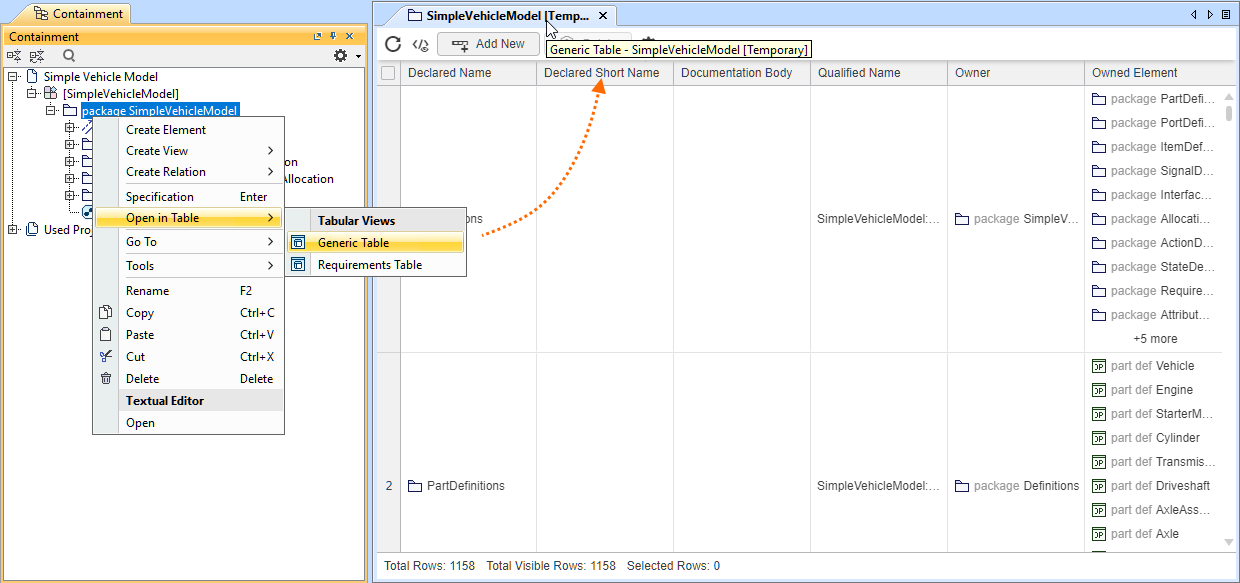
The Open in Table command allows you to view the selected element's content in any tabular view available in the activeView Creationdialog without creating a tabular view in the model. It recursively exposes the selected element's content and automatically filters out KerML library elements. The table itself is not a model element, and it is marked as Temporary. Closing the temporary table and opening it anew via the Open in Table command opens a new temporary table.
You can perform all the same actions as in regular tables, except for: