

The Chart tool provides functions to prepare tag values from models in matrix tabular form to be mapped into a variety of chart types and styles. This tool is supported in the DOCX template. Like other Custom tools, the Chart tool (chart.JAR) must be installed in the extensions folder of the Report Wizard plugin. For further information about Custom tool and installation, see Custom tool.
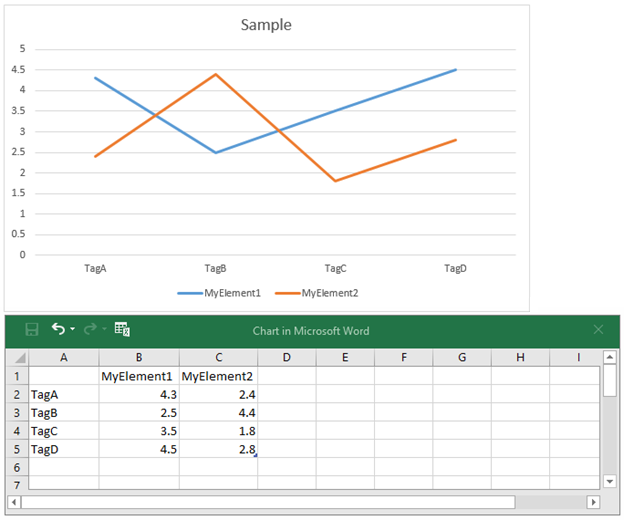
The Chart tool using tag values from models in matrix tabular form to be mapped into chart types and styles.
To use the Chart tool in the modeling tool
- Place the JAR file in the extensions folder of the Report Wizard plugin folder.
- Start the modeling tool.
Use the following line of code to import the Chart tool to your report:
#import('chart', 'com.nomagic.reportwizard.tools.ChartTool')
Related page